Get My Access
★★★★★ Rated 4.8/5 by 5,000+ students

The only Adobe After Effects course that covers every single tool. All of them.

11 structured parts. 9 hours. From your first composition to motion tracking, animation techniques, and getting paid for your work. Other courses teach you the basics and leave. This one finishes the job.

Money-back guarantee. Cancel-free.

Our graduates work at

Apple Netflix Volkswagen Nasdaq NetApp Box Eventbrite
5,000+
Students enrolled
9
Hours of content
11
Structured parts
4.8
Average rating

You want to learn After Effects, but the usual routes keep falling short

  • YouTube tutorials jump around with no structure for motion graphics. You watch for hours but never build real animation skills because nothing connects.
  • You open After Effects and the interface with compositions, keyframes, and expressions feels completely overwhelming. You close the app before you even start.
  • You can picture the animation in your head, but executing smooth, professional motion feels impossible. The gap between your vision and your ability is frustrating.
  • Other courses cover basic keyframes and leave. No real projects, no professional techniques, no advanced topics like motion tracking or data visualization.
  • You have watched hours of content but still cannot create professional-looking animations. Knowledge without structured practice goes nowhere.
  • You are not sure if you are learning outdated techniques or current professional workflows. Most tutorials skip the theory that makes animation look polished.

The problem was never your talent. It was learning things in the wrong order.

Alan Ayoubi, Master Graphic Designer and founder of 92learns

Alan Ayoubi

I remember the early days of staring at a blank After Effects composition, not knowing how to make anything move properly. Over 15 years, through client work, entrepreneurship, and teaching, I developed a system for learning motion design that actually works.

I have taught over 250,000 students worldwide. Graduates have landed positions at Apple, Netflix, Volkswagen, and dozens of other companies. Not because I have some secret talent, but because I break complex animation concepts into clear, buildable steps.

I built this course to be the resource I wish existed when I was starting out. Every lesson is placed in a specific order because in animation, the sequence matters more than any individual technique.

15+
Years in design
50K+
Students taught
4.8
Average rating

Skills that show up in your work, not just your watch history

Master animation from absolute zero

Complete keyframe mastery, graph editors, easing techniques, and animation principles that take you from static screens to smooth, professional motion.

Create professional motion graphics

Text animations, shape animations, transitions, and effects covered in depth so you can produce client-ready motion work that looks polished.

Build real-world animation projects

Logo animations, graphic title sequences, splashing buttons, and falling text boxes. Actual projects you can add to your portfolio and show clients.

Animate colors and gradients

Liquid gradient animations, creative color blending, and dynamic backgrounds. The kind of smooth, eye-catching visuals that make content go viral.

Create data visualizations in motion

Animated charts, infographics, and statistics that make complex data easy to understand. A highly paid skill in corporate and marketing motion design.

Motion track like a professional

Attach text and graphics to moving objects, create animated call-out titles, and build interactive video effects. A skill that sets you apart from basic animators.

If you fit into any of these, this course was built for you

01

Complete Beginners

You have never opened After Effects or any animation software. You want to learn properly from the start instead of picking up bad habits from random tutorials.

02

Graphic Designers

You already design in Illustrator, Photoshop, or Figma but want to bring your static work to life. Adding motion to your skillset opens doors to higher-paying projects and retainer clients.

03

Video Editors

You know Premiere Pro but want to add animation, motion graphics, and visual effects to your work. After Effects is the industry standard tool that takes your edits to the next level.

04

Content Creators

You want engaging animated intros, text effects, and transitions for your content. Professional-looking motion graphics make your videos stand out and grow your audience faster.

05

Entrepreneurs and Business Owners

You are tired of paying animators for every logo animation, promo video, or social media motion graphic. Learn to create your own animated content and save thousands per year.

06

Career Changers

You want to break into motion design, animation, or creative work professionally. This course gives you the technical foundation to start taking on freelance motion design projects.

This is not 9 hours of someone clicking buttons. It is a structured system where every lesson exists because of the one before it.

11 parts. 9 hours. Beginner to advanced.

Every tool, technique, and workflow you need, organized in the exact order you should learn them. Click any part to see what is covered.

  • Downloading After Effects (discount trick)
  • First time opening After Effects
  • Creating your first composition
  • Dimensions and composition settings
  • All After Effects shortcuts
  • Complete interface navigation
  • Timeline, viewport, layers, masks
  • Effects, settings and controls
  • Custom layouts and toolbar
  • Layers, masks, and effects
  • Fundamentals and principles of animation
  • The forbidden mistakes in animation
  • The two animation methods
  • History, types and styles of animation
  • How to technically animate ANYTHING
  • What are keyframes and how they work
  • Keyframes and their types
  • Graph editors and their settings
  • Every After Effects tool there is
  • Merge and offset modifiers
  • Pucker, bloating and corner rounding
  • Path trimming and intersection
  • Twist, wiggle and zigzag effects
  • Repeater wiggle modifier
  • Parenting properties
  • Morphing animation technique
  • Lettering animation technique
  • Text property adjustments
  • Custom text animations
  • Matching message to meaning
  • Text animation effects
  • Logo animation project
  • Graphic title animation project
  • Splashing button animation project
  • Falling text boxes animation project
  • Creative color blending techniques
  • Gradient background effects
  • Liquid flowing gradient animations
  • Data charts and infographics
  • Raw data transformation
  • Visual storytelling with statistics
  • Data clarity and dynamic charts
  • Tracking moving objects
  • Animated call-out titles
  • Motion in motion

Student Results

Animations created by students who started as complete beginners

Real After Effects projects built by students of this course. This is the level of work you will be creating.

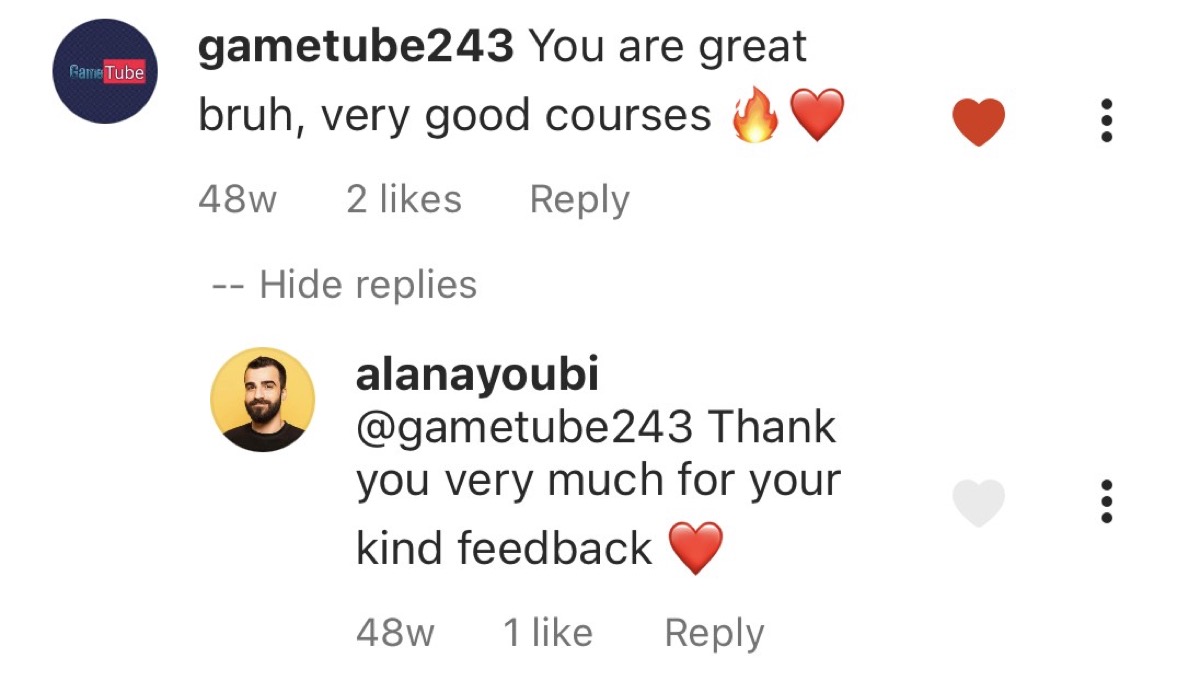
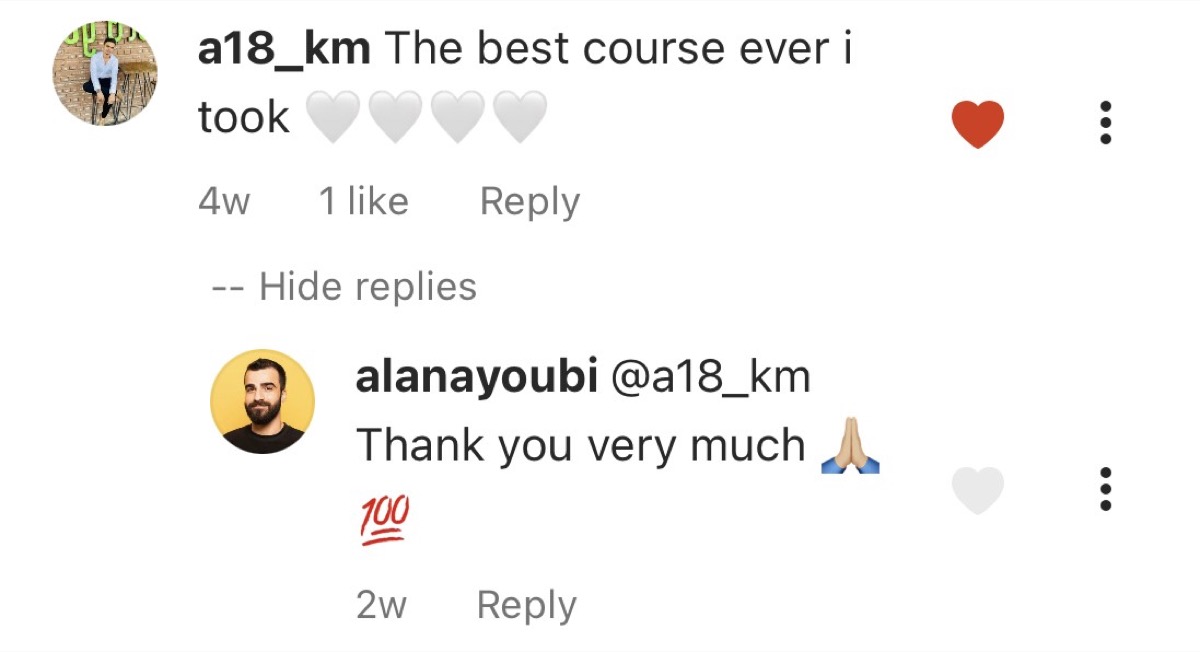
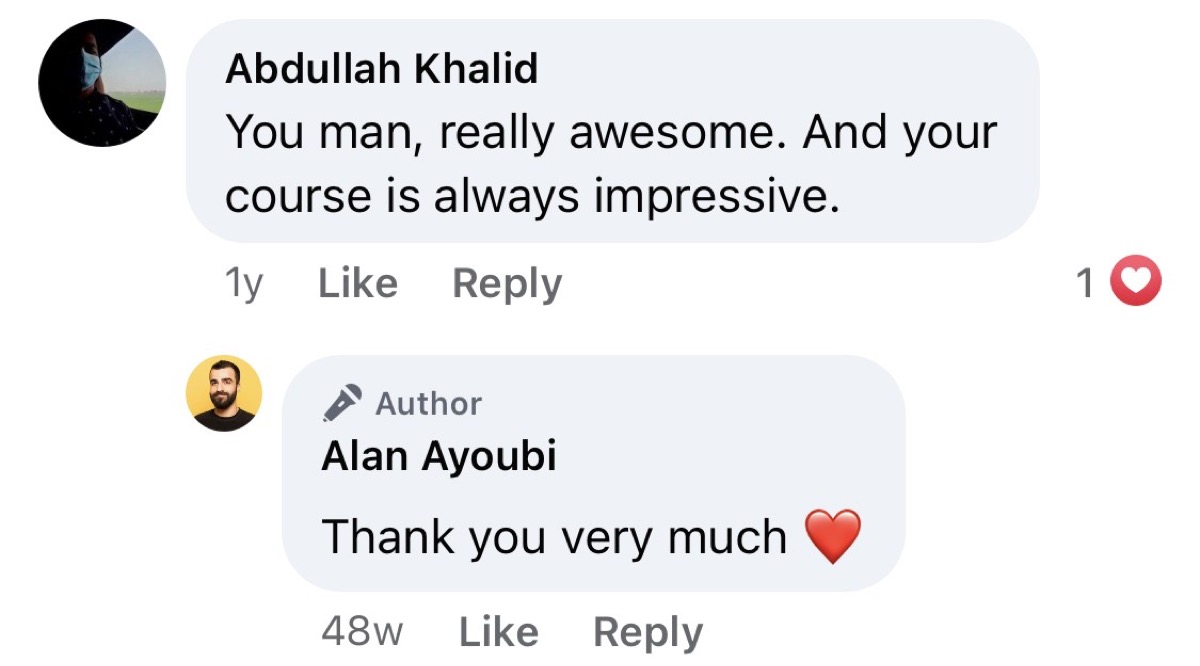
5,000+ students. Here is why they stay.

Student review - Instagram
Student review - Facebook

Why students choose this over the alternatives

YouTube / Free
Free, but you pay with months of wasted time
  • Costs nothing
  • No structure or sequence
  • Outdated, contradictory tutorials
  • Hours finding the "right" video
  • No projects, no certificate
  • Weeks of theory before you create anything
  • 1-2 years to feel confident
Other Paid Courses
$100-$400 for basics only
  • Some structure
  • Usually beginner-only
  • No real projects included
  • No motion tracking covered
  • No data visualization animation
  • Dry theory first, creative work much later
  • Access may expire
This Course
$158 one-time. Beginner to advanced.
  • 11 structured parts, zero to advanced
  • Animate from lesson one, not after months of theory
  • Animation principles guidebook included
  • Real projects: logos, titles, buttons
  • Motion tracking and data visualization
  • Color and gradient animation techniques
  • Lifetime access, all future updates
  • 5,000+ students, 4.8 rating

Invest in your creative future

Both plans include the full course, all 11 parts, projects, quizzes, certificate, community, and 24/7 support.

6-Month Access
$118
6 months of access
  • Full 9-hour course
  • All 11 parts included
  • Projects and quizzes
  • Certificate on completion
  • Community access
  • 24/7 support
Get My 6-Month Access

Try it completely risk-free

Go through the course. Complete the projects. If you do not feel a genuine improvement in your After Effects skills, if you do not feel the course was worth every penny, just reach out and I will refund you completely. No hoops, no hassle. I can make this promise because 97% of students who do the work see the results.

Frequently asked before enrolling

No experience needed. The course starts from absolute zero. Part 1 covers downloading After Effects, opening it for the first time, and creating your first composition. Over 60% of enrolled students had no prior animation experience when they started.
The course contains 9 hours of content across 11 parts. Most students complete it in 3 to 4 weeks studying a few hours per week. You have lifetime access, so you can go at whatever pace works for you.
Professional logo animations, text effects, motion graphics, animated data visualizations, liquid gradient animations, and motion-tracked compositions. Students regularly build portfolio-quality animations within the first 30 days.
Yes. Part 3 is a dedicated written guidebook covering the fundamentals and principles of professional animation, common mistakes to avoid, the two animation methods, and the history and styles of animation. This theoretical foundation makes your practical work significantly stronger.
Yes. Motion design is one of the highest-demand creative skills. Freelance motion designers earn $50 to $150 per hour. The course teaches you professional techniques that clients pay premium rates for, from logo animations to animated data visualizations.
Not at all. While it starts with fundamentals, the course advances into animation techniques, real-world projects, color and gradient animations, data chart animations, and motion tracking. Parts 6 through 11 are packed with intermediate-to-advanced techniques that even experienced users rarely know.
Full money-back guarantee. If you go through the course and feel it was not worth the investment, contact support for a complete refund. No questions asked, no hoops to jump through.

Six months from now, you will either have professional motion design skills... or still be watching random tutorials.

The only difference between the two is what you decide right now. The course, the community, the support, and your future animation reel are all waiting.

Money-back guarantee. Lifetime access. One-time payment of $158.

Get My Access Now
$158 lifetime Get My Access